
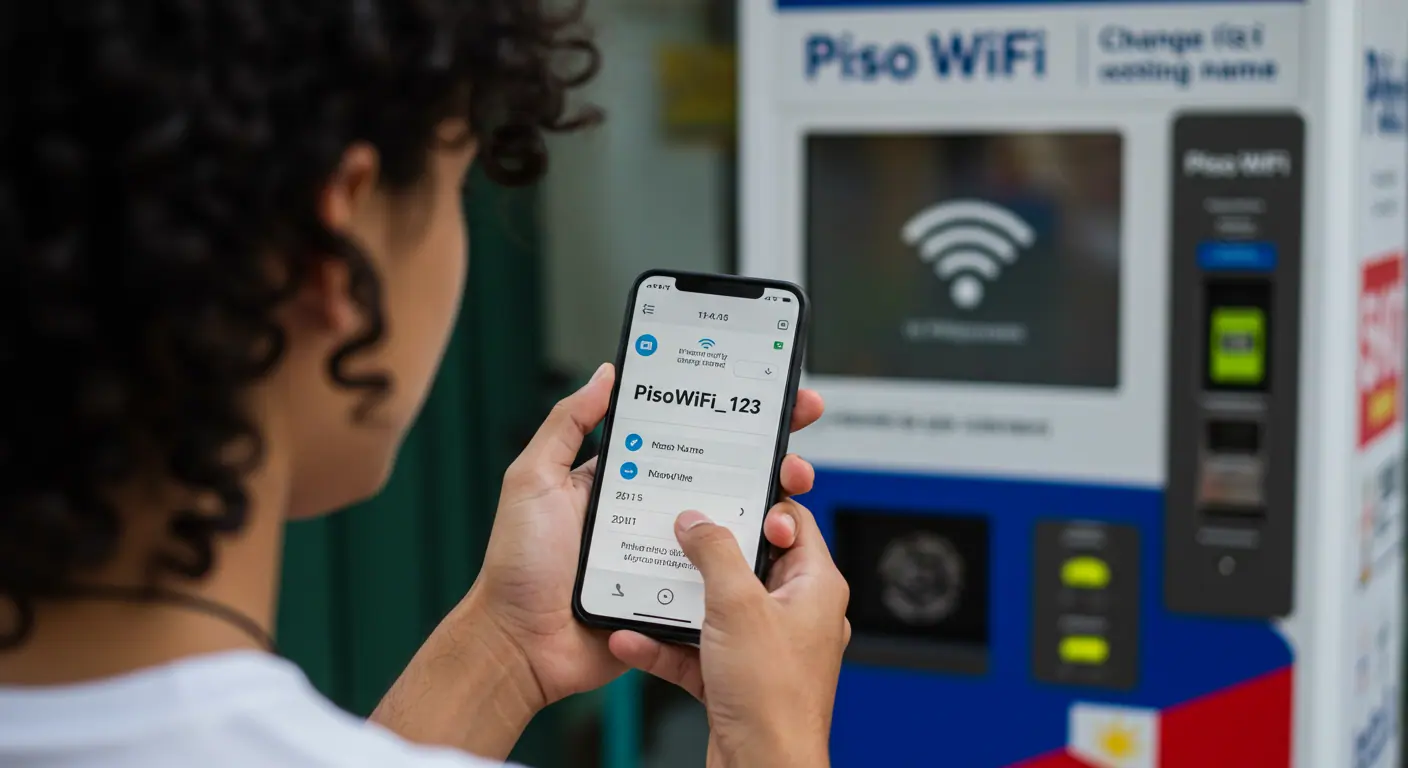
The Piso WiFi Vendo Machine comes with a default SSID that appears as the WiFi Name to everyone. The users can view the Piso WiFi Name on their device’s WiFi Settings Page. The WiFi Admin can change Piso WiFi Name to their desired name from settings.
The Piso WiFi Name Change facility is available for Admins only. The common users do not have access to change SSID or other admin settings. The process to change Piso WiFi Name may vary based on Piso WiFi Vendo Machine model, the router brand and differences in firmware/UI.
Types of Piso WiFi Vendo Machine
There are many different Piso WiFi Vendo Machine models available in the Philippines, but they mostly belong to two main types as under_
- Piso WiFi Vendo Machine with In-built Router Controller
- Piso WiFi Vendo Machine with Separate Router
So, you must check which type of Piso WiFi Vendo Machine you have, only then you can learn how to change Piso WiFi Name by using the applicable method.
#1. How to Change Piso WiFi Name in Vendo Machine with In-built Router
Many owners have a Piso WiFi Vendo Machine with in-built router/controller e.g. LPB Piso WiFi (Orange Pi) and PisoFi (Raspberry Pi). If you have this type of vending machine, you can change your Piso WiFi Name using Piso WiFi Admin Portal.
- Connect your mobile/laptop device to Piso WiFi, keep it connected throughout the process.
- Open a web browser and go to Piso WiFi Admin Portal 10.0.0.1/admin.
- Enter Admin Username and Password, then click on Login/Sign In button.
- Select Network Settings or WiFi Settings.
- Click on Change WiFi SSID/Name option.
- Type the New WiFi Name and provide current password if asked.
- Click on Save to proceed to change your Piso WiFi Name instantly.
#2. How to Change Piso WiFi Name in Vendo Machine with Separate Router
The process to Change Piso WiFi Name is different for owners who have a vending machine with separate router. Here you need to change WiFi name from the router settings which can be accessed through its dedicated IP Address.
- Connect your mobile/computer device to Piso WiFi.
- Go to the Router Admin IP Address 192.168.0.1 or 192.168.1.1 or as mentioned in the router user manual.
- Enter the Admin Username and Password, then click on Login.
- Select Interfaces or Wireless Network or WLAN Settings.
- Find and click on WiFi SSID or WiFi Name.
- Change the Piso WiFi Name to your desired name and save it.
- Your Piso WiFi Name will be changed and new name will appear immediately.
In this way, you can change Piso WiFi Name from Admin Portal or Router Settings.
Warning before Changing Piso WiFi Name
The Owner can change Piso WiFi Name/SSID anytime from the Admin Portal or Router Settings. But there are some important points that the owner must keep in mind while changing Piso WiFi Name.
- SSID Broadcast (WiFi Visibility): After changing WiFi Name, the owner must check if the SSID Broadcast option is on or not. The owner must keep the SSID Broadcast option enabled otherwise the users won’t be able to see Piso WiFi Network Name.
- Add New WiFi Name on Notice Board: The owner must put the New Piso WiFi Name on the Notice Board near the Vendo Machine. It will help the users to know that the WiFi Name/SSID is changed and they can select the New Name when connection their device to Piso WiFi Network.
- Users Must Reconnect: After Piso WiFi Name is changed, all users must find the New WiFi Name in their device settings and reconnect to it. The old WiFi Name does not exist, therefore all connected users will get disconnected from it.
Conclusion
The Piso WiFi Name is customizable, the owner can change Piso WiFi Name by logging in to Piso WiFi Admin Portal or from Router Settings. I have explained how to change Piso WiFi Name by both the methods.
Please keep the important points given as warning before changing Piso WiFi Name to avoid Network Visibility and User Connection issues. For more information, kindly ask your queries/doubts in the comment section.
FAQs
Who can change Piso WiFi Name?
The Piso WiFi Owner/Admin can change Piso WiFi Name.
How do I change Piso WiFi Name Online?
You can change Piso WiFi Name Online by logging in to Piso WiFi Admin Panel or from WiFi Router Admin Settings.
Can I change Piso WiFi Name to My Name?
Yes, you can change Piso WiFi Name to your name or any other name you prefer.
Can a user change Piso WiFi Name?
No, the user cannot change Piso WiFi Name because the Piso WiFi Name Change option is available for Owner/Admin only.
When should I change Piso WiFi Name?
Being a responsible owner/admin, you should change Piso WiFi Name when nobody is connected because changing name requires a reboot and it will also disconnect all connected devices.
Do users need to reconnect after Piso WiFi name is changed?
Yes, all the users need to find the New WiFi Name and reconnect after Piso WiFi Name is changed.